Your first 10 minutes
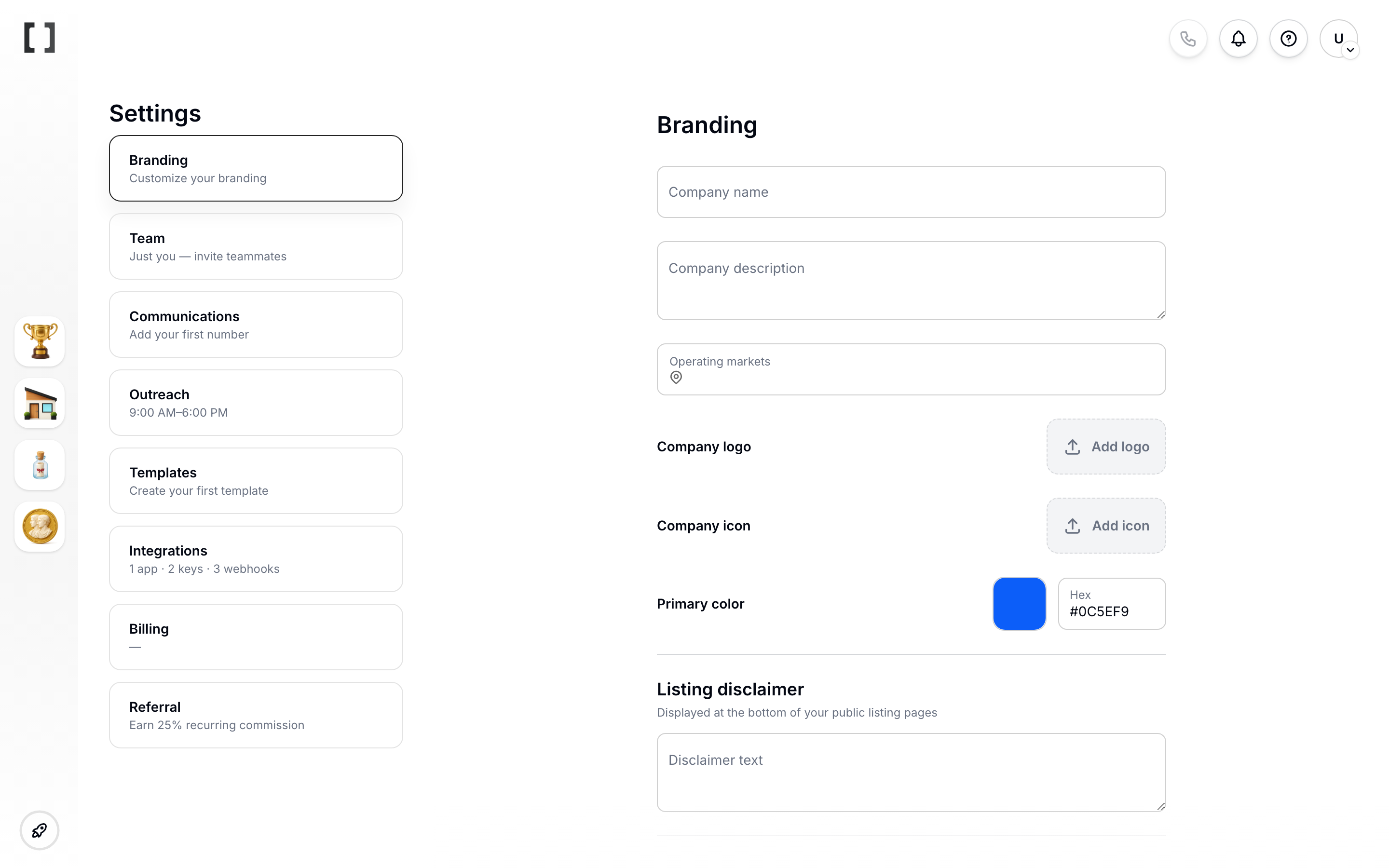
- Set branding in Settings > Branding: upload a logo, set your company name, and pick a primary color.
 2. Run an investor search in Investors > Prospecting. 3. Create a listing from Listings > Create listing. 4. Send your first SMS or email from the Campaign Wizard.