Referral program
The referral program pays recurring commission on customers who sign up through your link and become paying subscribers. Your referrals get a discount on their plan in exchange.
Where to find it
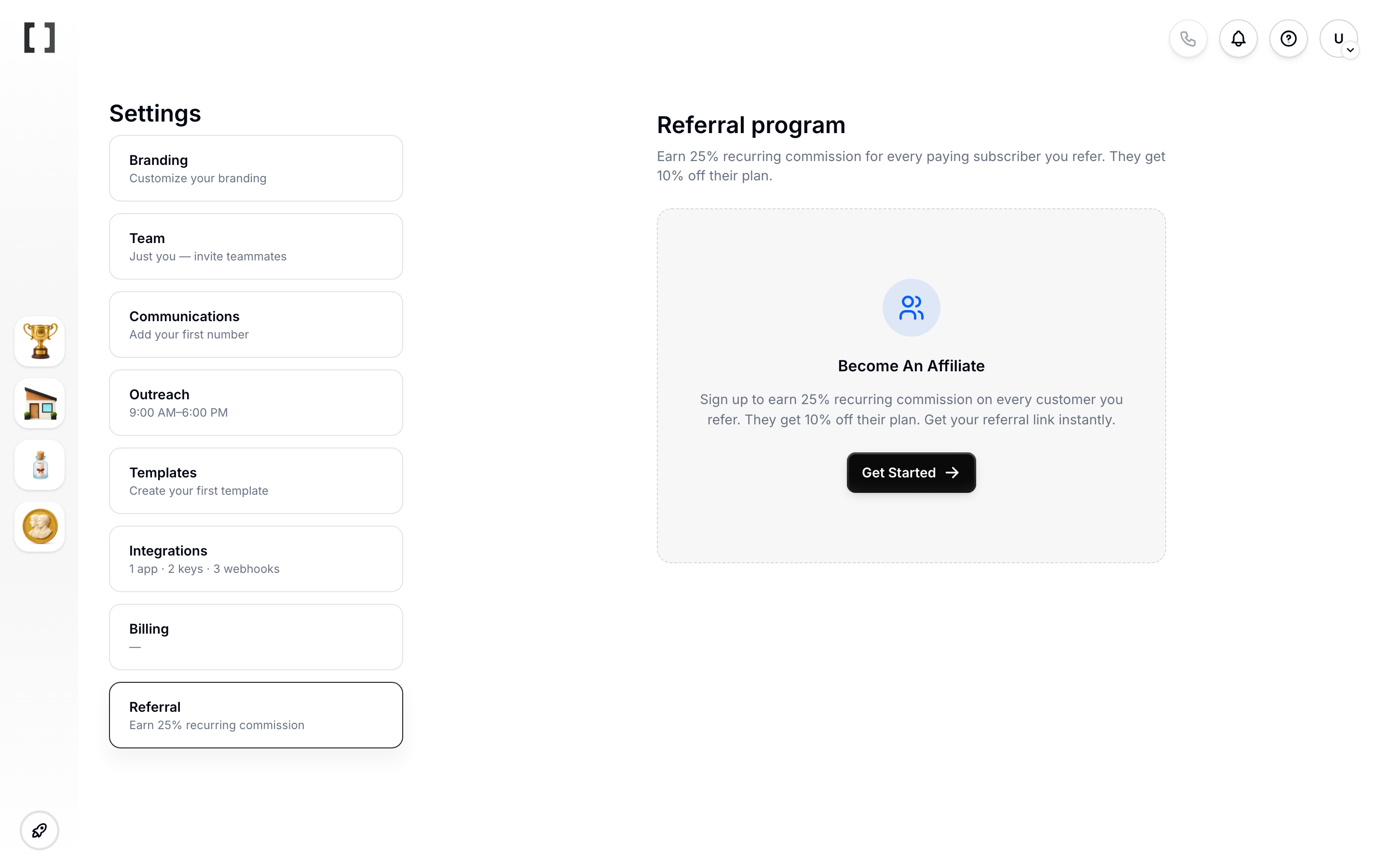
Go to Settings > Referral. The first time you visit, you'll be prompted to enroll — once you finish the short setup wizard, the dashboard appears.
How it works
- Copy your unique referral link.
- Share it — in email, in Slack groups, on social, or wherever your network lives.
- When someone signs up through your link and becomes a paying customer, they're attributed to you.
- You earn recurring commission for as long as they stay subscribed (subject to the current program terms and the qualification hold).
What you see in-app
The dashboard has four tabs.
Overview
- Payable now — commission that has cleared the qualification hold and is ready to pay out (or credit).
- Credited / Paid out — total already paid out (ACH) or applied as subscription credit, depending on which payout method you chose.
- Your referral link — copy it, plus quick share buttons for X, Facebook, LinkedIn, SMS, and email.
Activity
- Referred customers, with their subscription status as it changes.
Payout
- Pending hold — commission accrued but still in the qualification window.
- Payout method — pick Subscription credit (offsets your next invoice, no minimum) or ACH via Stripe Connect (monthly payout once your balance clears the minimum). ACH may show as "coming soon" depending on your workspace.
- Recent payout activity once you have any.
Promote
- Promotion playbook — ideas that fit the attribution window.
- Media kit — Covent logos and icons you can drop into thumbnails, posts, and decks.
Terms
The referral program has its own terms you agree to during enrollment. The short version: no bidding on Covent's paid keywords, no misleading promotions, commissions clear after the qualification hold and pay only while the referred customer remains subscribed.